A smart stylus pen is a sophisticated digital tool that enhances precision, creativity, and efficiency on touchscreen devices by offering advanced features beyond basic finger input. Unlike passive styluses, smart styluses, such as the Apple Pencil or Samsung S Pen, contain internal electronics that enable functionalities like pressure sensitivity, tilt recognition, and palm rejection. These pens communicate actively with a device’s screen sensors, providing a more natural and powerful interaction for tasks like drawing, note-taking, and document annotation.
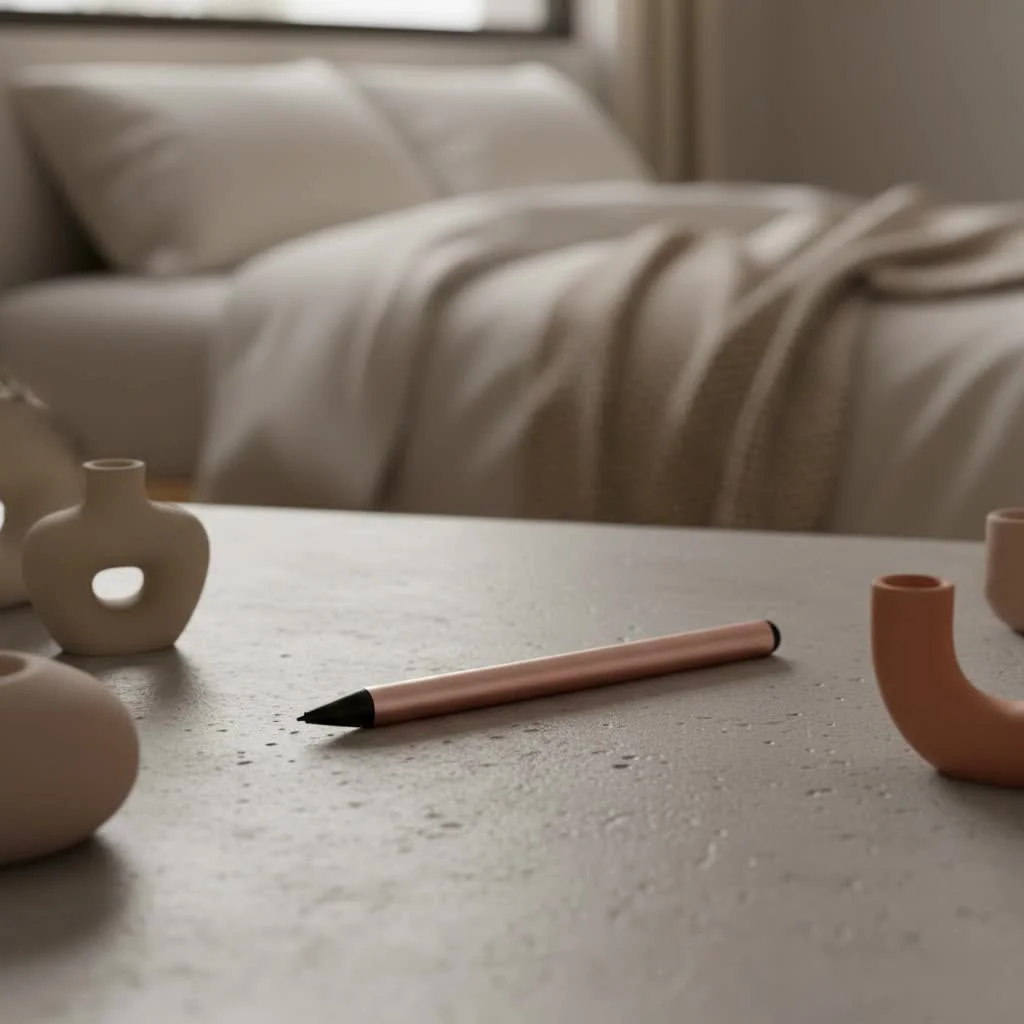
Whether you’re an aspiring artist, a busy student, a meticulous professional, or simply someone who loves getting more out of their tech, a smart stylus pen can transform your interaction with touchscreen devices. We’re here to dive deep into what makes these pens so intelligent, how they work, and how you can pick the perfect one to be your digital sidekick.
The Dawn of Digital Precision: A Brief History of Stylus Pens
The concept of a stylus isn’t new. Ancient civilizations used styluses for writing on wax tablets and papyrus. Fast forward to the early days of personal computing, and we saw rudimentary styluses for resistive touchscreens, which reacted to physical pressure. These were essentially plastic sticks, simple and functional for basic navigation.
The real game-changer arrived with capacitive touchscreens, like those found on most modern smartphones and tablets, which respond to the electrical conductivity of your finger. Initially, styluses for these screens were passive, mimicking a finger’s conductivity with a rubber or fabric tip. They offered slightly more precision than a finger but lacked advanced features.
The true leap to “smart” happened when manufacturers started embedding sophisticated electronics into these pens. This marked the birth of the active stylus, or what we now affectionately call the smart stylus pen. These pens communicate directly with your device, opening up a world of advanced functionalities that passive styluses could only dream of.
Beyond the Basics: What Makes a Stylus “Smart”?
So, what exactly elevates a basic stylus to a smart stylus pen? It’s all about the sophisticated tech packed inside, allowing for a more intuitive and powerful interaction with your digital canvas.
Pressure Sensitivity and Tilt Recognition
|
Our Picks for the Best Stylus Pen in 2026
As an Amazon Associate I earn from qualifying purchases.
|
||
| Num | Product | Action |
|---|---|---|
| 1 | Metapen Pencil A8 for Apple iPad 2018-2025, (2X Faster Charge), Tilt Sensitivity, Pixel Precision, Stylus Pen for iPad 11/10/9/8/7/6th Gen, Pro 12.9/11/13-inch M4, Air 3/4/5/M2/M3, Mini 5/6th, Grey |

|
| 2 | Metapen Pencil A8 V4 for iPad 2018-2025, Upgrade Magnetic Attraction, 2X Fast Charge, Low Latency Stylus Pen for iPad 11-6th Gen, Pro 12.9/11/13-inch M4/M5, Air 3/4/5/M2/M3, Mini 5/6/7th A17 Pro |
|
| 3 | Metapen Pencil A8 for Apple iPad 2018-2025, (2X Faster Charge), Tilt Sensitivity, Pixel Precision, Stylus Pen for iPad 11/10/9/8/7/6th Gen, Pro 12.9/11/13-inch M4, Air 3/4/5/M2/M3, Mini 5/6th, Blue |
|
| 4 | Metapen Pencil A8 for Apple iPad 2018-2025, (2X Faster Charge), Tilt Sensitivity, Pixel Precision, Stylus Pen for iPad 11/10/9/8/7/6th Gen, Pro 12.9/11/13-inch M4, Air 3/4/5/M2/M3, Mini 5/6th, Green |
|
| 5 | Bopomofo Stylus (5 Pcs),2-in-1 Stylus Pen for Touchscreen, High Precision and Sensitivity, Suitable for iPhone/ipad/Android Tablets, Compatible with Touch Screens,Black |
|
| 6 | Metapen Pencil A8 for Apple iPad 2018-2025, (2X Faster Charge), Tilt Sensitivity, Pixel Precision, Stylus Pen for iPad 11/10/9/8/7/6th Gen, Pro 12.9/11/13-inch M4, Air 3/4/5/M2/M3, Mini 5/6th, White |
|
| 7 | Metapen Pencil A8 for Apple iPad 2018-2025, (2X Faster Charge), Tilt Sensitivity, Pixel Precision, Stylus Pen for iPad 11/10/9/8/7/6th Gen, Pro 12.9/11/13-inch M4, Air 3/4/5/M2/M3, Mini 5/6th, Black |
|
| 8 | Bopomofo Stylus (5 Pcs), 2-in-1 Stylus Pen for Touch Screen, High Precision and Sensitivity, Suitable for iPhone/ipad/Android Tablets, Compatible with Touch Screens (Black/White/Blue/Rose Gold/Silver) |
|
| 9 | Bopomofo Stylus (10 Pcs), 2-in-1 Stylus Pen for Touchscreen, High Precision and Sensitivity, Suitable for iPhone/ipad/Android Tablets, Compatible with Touch Screens,Black/White |
|
| 10 | Bopomofo Stylus (5 Pcs),2-in-1 Stylus Pen for Touchscreen, High Precision and Sensitivity, Suitable for iPhone/ipad/Android Tablets, Compatible with Touch Screens,Blue |
|
Imagine sketching a portrait or writing calligraphy on your tablet. A smart stylus pen can detect how hard you press and at what angle you hold it, translating those subtle movements into varying line thicknesses, opacities, and shading effects. “It’s like having a full artist’s toolkit in a single pen,” explains Anya Sharma, a digital art instructor. “The range of expression you get from pressure and tilt sensitivity is truly remarkable.” This feature is a game-changer for digital artists, offering a feel akin to traditional pencils, brushes, and markers.
Palm Rejection Technology
One of the most frustrating things about using a regular stylus is accidentally drawing or making marks with the side of your hand. A smart stylus pen with palm rejection technology solves this by intelligently ignoring your resting palm, allowing you to naturally rest your hand on the screen as you write or draw, just like you would with pen and paper. This creates a much more comfortable and natural user experience.
Connectivity and Customization
Many smart stylus pens connect to your device via Bluetooth, unlocking a suite of advanced features. This can include programmable shortcut buttons on the pen itself, allowing you to quickly switch tools, undo actions, or activate specific functions within your apps. Magnetic attachment points on devices like the iPad Pro or Samsung Galaxy Tabs also provide a convenient way to store and often wirelessly charge your smart stylus pen.
Power and Longevity
Unlike passive styluses, smart stylus pens require power. They typically come with rechargeable batteries that offer impressive battery life, often lasting for days or even weeks on a single charge. Charging methods vary, from magnetic wireless charging to USB-C ports, making it easy to keep your pen powered up and ready for action.
Emerging “Smart” Features: AI Integration
The future of the smart stylus pen is constantly evolving, with new innovations hitting the market. Some advanced models, like certain Samsung S Pens, are now integrating artificial intelligence. This means capabilities like real-time handwriting to text conversion, “AI Drawing” features that can enhance your sketches, or even “Circle to Search” functionality, allowing you to quickly search for objects by simply circling them on your screen. These features push the boundaries of what a pen can do, seamlessly blending traditional input with cutting-edge digital intelligence.
How Smart Stylus Pens Work Their Magic
To understand how these clever gadgets operate, let’s briefly touch upon how touchscreens generally function. Most modern devices use capacitive touchscreens, which detect the electrical current from your fingertips. A basic passive stylus works by mimicking this electrical property.
A smart stylus pen, however, goes much further. These are typically active styluses, meaning they contain internal electronics, including a tiny battery and sometimes a specialized chip. This allows them to actively communicate with your device’s screen sensors, rather than just passively conducting an electrical charge.
This active communication enables the more sophisticated features we love, such as pressure sensitivity, tilt detection, and palm rejection. The pen sends precise signals to the screen, which the device then interprets, allowing for incredibly accurate and nuanced input. Some high-end systems use proprietary technology, like Apple’s for the Apple Pencil or Wacom’s EMR (Electro-Magnetic Resonance) technology, to achieve even greater levels of responsiveness and accuracy.
Transforming Your Digital Life: Benefits and Applications of a Smart Stylus Pen
Integrating a smart stylus pen into your workflow can unlock a multitude of benefits across various aspects of your digital life.
For Artists and Designers
For anyone involved in digital art or graphic design, a smart stylus pen is an indispensable tool. The precise control, coupled with pressure and tilt sensitivity, allows artists to create intricate details, fluid strokes, and realistic shading that would be impossible with a finger. “My smart stylus pen is an extension of my hand,” says Leo Chen, a concept artist. “It provides the tactile feedback and control I need to bring my digital visions to life, making the screen feel like a real canvas.” It truly mimics traditional art tools, enabling expressive and nuanced creations.
For Students and Professionals
Beyond creativity, smart stylus pens are powerhouses for productivity. Students can take handwritten notes directly on digital documents, annotate PDFs, and highlight key information in a way that feels natural and intuitive. Professionals can mark up presentations, sign documents digitally, brainstorm ideas, and sketch diagrams with unparalleled ease. Handwriting recognition features can even convert your scribbles into editable text, saving time and improving organization.
Boosting Productivity
Beyond specific tasks, a smart stylus pen generally streamlines your interaction with your device. It offers more precise control for navigating menus, editing spreadsheets, or selecting small on-screen elements than a finger ever could. Plus, it helps keep your screen free from smudges and fingerprints, which is a small but welcome benefit.
Enhanced Accessibility
For some users, a smart stylus pen can significantly enhance accessibility. It provides a more tactile and precise way to interact with touchscreens, which can be beneficial for individuals with certain motor control challenges or those who simply find finger-based input less precise.
Choosing Your Perfect Digital Companion: A Smart Stylus Buying Guide
Selecting the right smart stylus pen can feel daunting with so many options available. Here’s what to consider to find your ideal digital companion:
Compatibility is Key
This is arguably the most crucial factor. Many smart stylus pens are designed to work with specific device ecosystems. An Apple Pencil, for instance, works exclusively with compatible iPads. Samsung’s S Pen is for Galaxy devices, and Microsoft’s Surface Pen is tailored for Surface products. There are also universal smart styluses, like the Adonit Dash 4 or Logitech Crayon (for some iPads), that offer broader compatibility but might not have all the advanced features of a first-party pen. Always double-check your device’s specifications before making a purchase.
Your Primary Use Case
- For Artists: Prioritize pressure sensitivity (often measured in levels, e.g., 4096), tilt recognition, and low latency. Look for pens with comfortable grips for extended drawing sessions.
- For Note-Takers: Palm rejection and a natural writing feel are paramount. Features like quick-launching note apps or handwriting-to-text conversion are a bonus.
- For General Use/Browsing: Precision and comfort are still important, but you might not need the highest levels of pressure sensitivity. A more affordable option could suffice.
Features to Look For
- Pressure Levels: The higher the number, the more nuanced your strokes can be.
- Tilt Support: Essential for shading and brush effects.
- Palm Rejection: A must-have for a natural writing and drawing experience.
- Shortcut Buttons: Can greatly speed up your workflow.
- Battery Life and Charging: Consider how long it lasts and your preferred charging method (wireless, USB-C).
- Nib Type: Some pens offer replaceable nibs with different feels, mimicking various writing instruments.
Budget Considerations
Smart stylus pens range widely in price. Premium options like the Apple Pencil Pro can be a significant investment, but they offer top-tier performance and seamless integration within their ecosystem. More budget-friendly alternatives, such as the JamJake Palm Rejection Stylus, can provide many core “smart” features at a fraction of the cost, making them excellent value propositions for users who don’t need every advanced bell and whistle.
Mastering Your Smart Stylus: Tips for Optimal Use and Care
- Connecting and Pairing: Most smart styluses connect automatically when magnetically attached or through a quick Bluetooth pairing process. Refer to your pen’s manual for specific instructions. Some universal pens, like the Adonit Dash 4, can work in “active” mode without Bluetooth on compatible devices.
- Utilizing App-Specific Features: Many apps, especially creative suites like Adobe Fresco or Procreate, and note-taking apps like Apple Notes or Samsung Notes, are optimized to take full advantage of smart stylus features. Explore your app settings to customize pen functions, pressure curves, and shortcut buttons.
- Maintaining Your Stylus: Keep your stylus tip clean, as dust and oils can affect performance. Most modern styluses have durable tips, but some offer replaceable ones. Ensure regular charging to avoid interruptions during important tasks. Protecting your device’s screen with a good screen protector can also enhance the writing feel and protect both your screen and stylus tip.
The Best Smart Stylus Pens on the Market (2025 Snapshot)
The world of smart stylus pens is always evolving, but here are some of the top contenders currently making waves in 2025:
Apple Pencil (2nd Gen/Pro)
Often considered the benchmark for digital pens, the Apple Pencil offers unparalleled precision, imperceptible lag, and robust pressure and tilt sensitivity on compatible iPads. With wireless magnetic charging and seamless integration into the Apple ecosystem, it’s the top choice for iPad artists and power users. The newer Apple Pencil Pro enhances this with features like barrel roll and squeeze gestures.
Samsung S Pen (Creator Edition/Pro)
A cornerstone of the Samsung Galaxy ecosystem, the S Pen provides exceptional precision, low latency, and often comes with AI-powered features like handwriting-to-text conversion and AI Drawing. The S Pen Creator Edition offers enhanced tilt performance and a thicker grip for artists, while the S Pen Pro adds Bluetooth features like Air Actions for remote control.
Microsoft Surface Slim Pen 2
Designed for Microsoft Surface devices, this smart stylus pen stands out with its innovative haptic feedback, mimicking the sensation of pen on paper. It boasts 4,096 levels of pressure sensitivity, tilt functionality for shading, and convenient magnetic charging. It’s a prime choice for Windows users seeking a natural and responsive writing and drawing experience.
Universal/Android Options
For those outside the major ecosystems or with multiple devices, options like the Adonit Dash 4 offer impressive versatility, working with both Apple and Android devices, often with palm rejection on newer iPads. The Penoval USI 2.0 is a strong contender for Chromebooks and other USI digitizer-compatible devices, delivering a premium feel with consistent pressure and tilt. And for iPad users who want a robust alternative to the Apple Pencil, the Logitech Crayon Digital Pencil provides excellent accuracy and tilt sensitivity.
Frequently Asked Questions about Smart Stylus Pens
Q1: Can any stylus be called “smart”?
Not really. While a basic stylus provides touchscreen input, a “smart” stylus pen distinguishes itself with advanced features like pressure sensitivity, tilt recognition, palm rejection, and electronic connectivity (often Bluetooth), offering a much richer and more precise interaction.
Q2: Do smart styluses work on all touchscreens?
No, compatibility is crucial. Many smart stylus pens are designed for specific devices or operating systems (e.g., Apple Pencil for iPad, S Pen for Samsung). Universal options exist, but they may offer a more limited set of “smart” features compared to first-party pens.
Q3: What is palm rejection and why is it important?
Palm rejection is a technology that allows your device’s screen to ignore input from your resting palm or hand while accurately registering input from the smart stylus pen. It’s incredibly important because it enables a natural writing and drawing posture, preventing accidental marks and making the experience much more comfortable and precise.
Q4: How often do I need to charge a smart stylus?
Battery life varies by model, but most smart stylus pens offer several days to weeks of active use on a single charge. Many support quick charging, and some even charge wirelessly when magnetically attached to your device, ensuring they’re often ready when you are.
Q5: Are smart styluses worth the investment?
If you frequently draw, take notes, annotate documents, or desire greater precision and efficiency in your digital tasks, then a smart stylus pen is absolutely worth the investment. It unlocks creative potential and significantly boosts productivity, making your device a more powerful tool.
Q6: Can I use a smart stylus for gaming?
While primarily designed for creative and productivity tasks, a smart stylus can be beneficial for certain types of games, particularly drawing-based puzzles or strategy games where precise tapping or dragging is advantageous. However, most action-oriented games are optimized for finger touch.
Q7: How do I clean my smart stylus and screen?
For your smart stylus, a soft, lint-free cloth is usually sufficient. Avoid harsh chemicals. For your screen, use a microfiber cloth specifically designed for electronics, possibly dampened with a screen cleaner solution, to remove smudges and oils without damaging the display.
Conclusion
The smart stylus pen has come a long way from being a simple pointing device. Today, it stands as a sophisticated instrument that bridges the gap between traditional pen-and-paper creativity and the boundless possibilities of the digital world. With features like pressure sensitivity, palm rejection, and even AI integration, a smart stylus pen empowers you to create, communicate, and work with unprecedented precision and fluidity.
As technology continues to advance, we can only expect these intelligent tools to become even more intuitive and powerful, further blurring the lines between the physical and digital. So go ahead, explore the options, find the smart stylus pen that speaks to your needs, and unleash a new era of digital creativity and productivity. Your fingers will thank you, and your digital canvas awaits!

I’ve been using a Samsung S Pen with my tablet for note-taking in meetings, and it’s been a game-changer for efficiency. The tilt recognition is surprisingly useful for shading in diagrams. My only minor gripe is that sometimes the connection can be a little finicky if I move too far from the device, but it usually reconnects quickly.
As a student, a smart stylus has completely transformed how I interact with my lectures. Being able to actively annotate PDFs and highlight key points directly on my tablet has made studying so much more effective. The natural interaction for tasks like note-taking is exactly what I needed to ditch paper entirely.
I finally splurged on an Apple Pencil after reading about the benefits of pressure sensitivity, and wow, what a difference! Drawing on my iPad feels so much more natural now. The palm rejection works flawlessly, which was a huge concern for me as I tend to rest my hand a lot. Definitely worth the investment for any digital artist.
I picked up a more affordable smart stylus hoping to improve my document annotation, but I’m finding the precision isn’t quite what I expected. It’s better than my finger, sure, but it doesn’t always feel as accurate as I’d like, especially with smaller text. I might need to save up for one of the higher-end models with better internal electronics.